Context
Polycom was a California based multinational, leader in hardware and software technologies for audio, video and multimedia communications used by more than 400,000 clients worldwide.
Following the acquisition of Accordent in 2011 (subsequently renamed Video Content Management or VCM group), Polycom worked to integrate the acquired products into its own systems. In 2014, User Experience was given priority in the upcoming version of the Polycom web platform, Media Management System, which allowed for the acquisition, organisation, search, publication, and access level definition of multimedia presentations created with desktop software, along with other types of text, graphic, audio and video files.
Note: In accordance with a non disclosure agreement, not all documents produced for the project have been published, and some documents are only published in part.
With the growing use of video and the
rise of social business organizations
are trying to make it easy for employees
to capture and share business
information and knowledge in the form of
live webcasts recorded video conferences
meetings training sessions interviews
and so on across industries from
healthcare to education from global
enterprise to local governments
organizations are expanding video
enabled applications for a more
connected informed and effective
workforce but this is not always easy to
achieve as an IT manager you may be
daunted by the complexity of publishing
video over your company’s networks and
delivering the right video to the right
people in the right format whether
they’re at a desk on a smartphone or
tablet in a training room for the
digital signage display in the lunchroom
Plus social business means that everyone
can become a contributor and many do
creating a flood of content using a
variety of devices so what’s the
solution how can I team managers manage
control and optimize this rising tide of
video content in a secure and scalable
way introducing Polycom video content
management solutions the industry’s most
comprehensive portfolio that lets
content owners IT managers and other
employees capture content from any
desktop any mobile device any room or
auditorium even unconventional occasions
then simple rules and logic help to
manage video content easy to use tools
let them collect transform organize
protect and analyze video assets with
Polycom solutions accessing live or
recorded video content is as easy as
watching YouTube and this is true over
any network from any location or any
device let’s see how each of the video
content management solutions work
the Polycom real presents capture server
as a centralized application that lets
you record and stream video from
anywhere in your network you can turn
team meetings training sessions and
desktop recordings into living video
assets available for secure playback on
tablets smartphones and video
conferencing systems or from a web
browser real presents capture server
also provides easy recording from
Polycom real presence cloud access suite
which enables b2b and b2c meetings
between anyone with a browser and a web
camera now with capture server
participants can securely capture
enterprise-grade video collaboration
including content sharing straight from
a browser Polycom real presents capture
station pro is an easy-to-use room based
appliance that records and streams
presentations as well as
question-and-answer sessions from any
classroom or auditorium it synchronizes
audio video and presentation slides in
real time instantly building
feature-rich highly polished online
multimedia presentations real presence
capture station pro supports a broad
range of video sources including
installed AV solutions you can also
capture content from laptops projectors
electronic whiteboards and document
cameras to enhance your presentations
with a multimedia content capture
station Pro can be fully automated on a
recurring schedule such as a school
semester or town-hall meeting using the
event scheduling tool automation ensures
that content gets captured easily
reliably and efficiently whenever and
wherever important information is being
presented sometimes
unconventional locations are where the
greatest real-world learning happens
with its rugged casing and compact
all-in-one design the real presence
capture station portable throw records
and streams rich media from
with an internet connection for live or
on-demand viewing an integrated LCD
screen provides visual confirmation of
video content and audio levels ensuring
that content is being captured correctly
especially in unusual environments this
solution makes it simple for anyone to
create video presentations just by
connecting input sources and clicking
start all of these valuable video assets
regardless of source or format need to
be automatically archived in a secure
centralized content repository Polycom
real presents media manager uses
business rules and logic to make it
simple to manage videos at any stage of
their lifecycle
coupled with information management
platforms like Microsoft SharePoint or
learning management systems like
Blackboard Learn Media Manager can
enable existing internets to deliver a
video content viewing experience from a
familiar environment for a single
content rich information repository
employees students and other viewers can
find the live and recorded content they
need in a secure searchable portal even
for mobile devices videos can be
formatted for viewers to easily navigate
using chapters or seen thumbnails
speeding the playback process video
based training can be taken at home or
on-the-go and video triggered testing
provides instant feedback and useful
training and compliance records users
can also create and contribute video
content from their webcams or mobile
devices browse featured and most popular
videos and submit their own ratings
content managers can set rules that
automate the discovery upload
organization and treatment of new
content they can also manage viewing
permissions for subsets of users and
content approval processes real presents
media manager tracks viewership metrics
and test results and easy to pull
reports like content managers understand
in detail how their video assets impact
the organization IT managers can deliver
video over any network and minimize
Network impact by controlling how video
is routed and cash
on local servers they can also set rules
for how videos are transformed to the
correct formats for iOS Android PC and
Mac to automate processes and use IT
resources most efficiently Polycom video
content management solutions make
top-down communications clear consistent
and widely accessible regardless of
distance device or timezone these
solutions enable social business with
user-friendly tools creating a more
connected and informed organization from
the bottom up the result is a knowledge
sharing culture where video
collaboration provides a tangible
competitive advantage only from Polycom
Challenge
The new version of Media Manager was required to bring about major improvements in user experience both for clients and for end users.
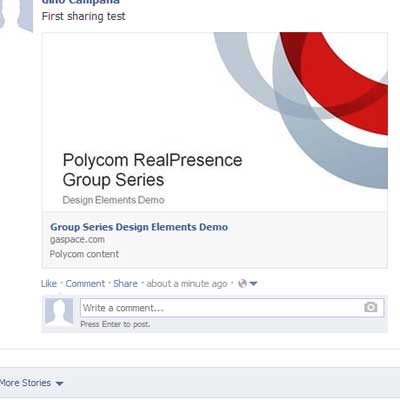
The requirements for the new version included new branding guidelines, full support for smart phones and tablets, social media sharing, and a new player that could integrate with existing Polycom videoconferencing systems.
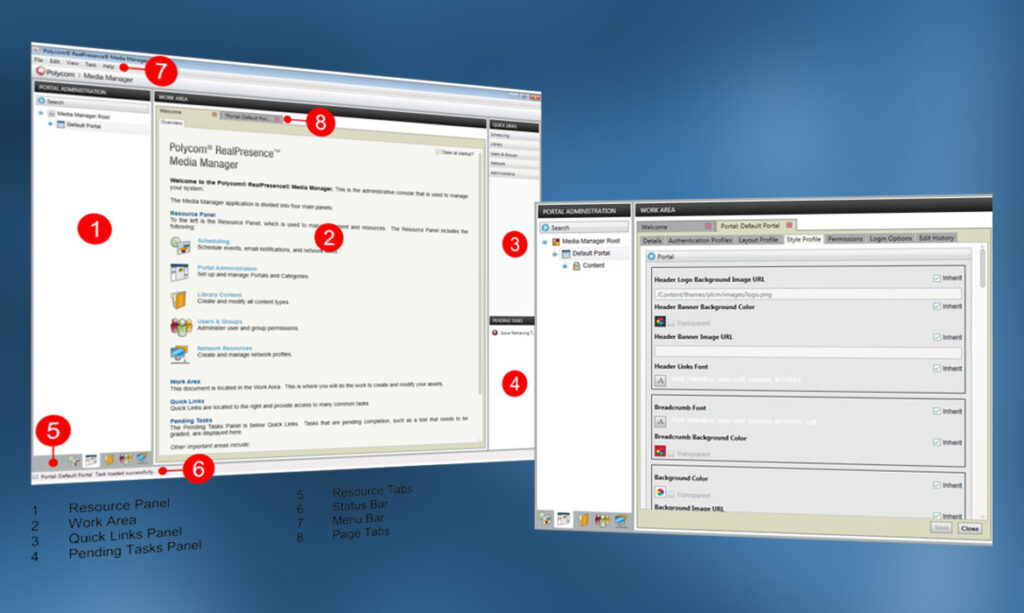
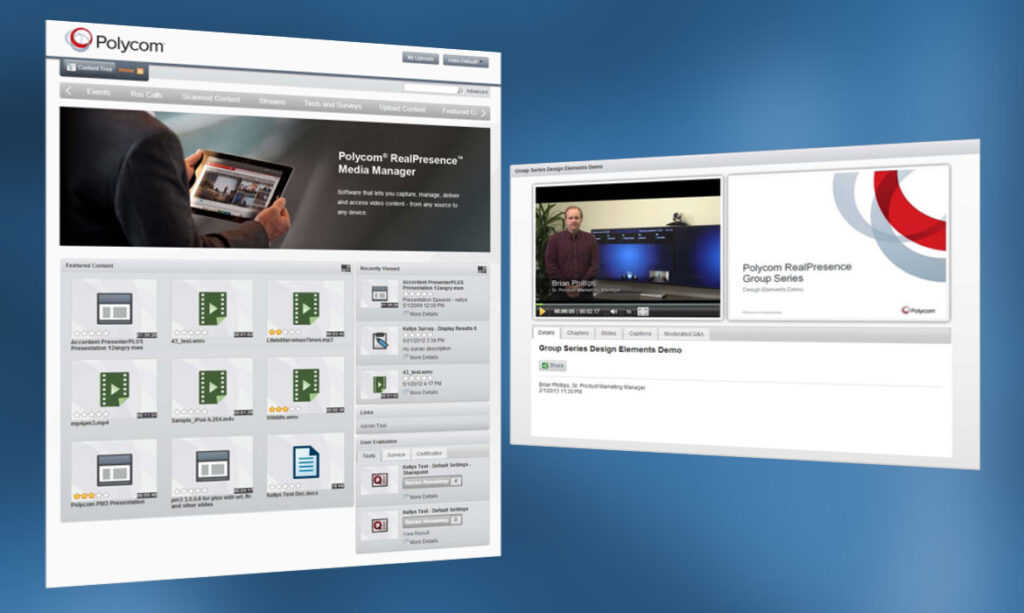
Previous version of the Admin tool and of the Media Manager portal
Process
With my teammates on the VCM group User Interface team, we carried out research, planning, design, testing, and development leading up to the identification of five areas key to improving user experience: publication, organisation, search, and visualisation of multimedia content, and support for the installation and use of the system.
During the research phase we analysed tickets opened by clients and met with the technical support team. We then surveyed the sales engineers and interviewed around ten clients chosen from the main Media Manager user categories (businesses, government agencies, universities).
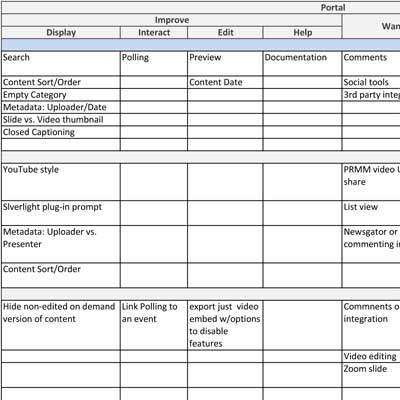
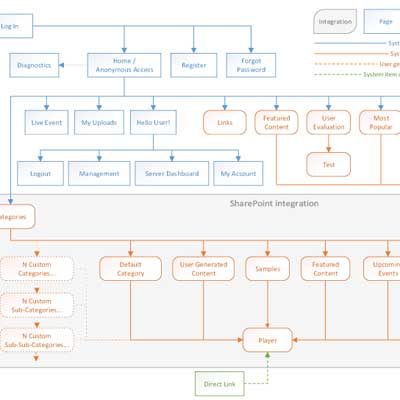
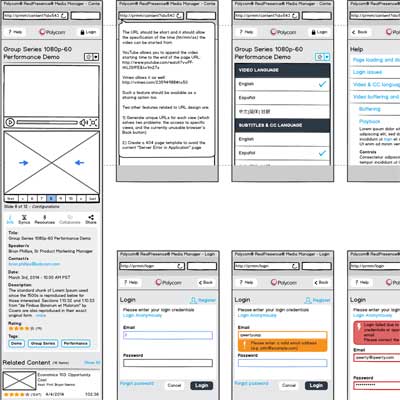
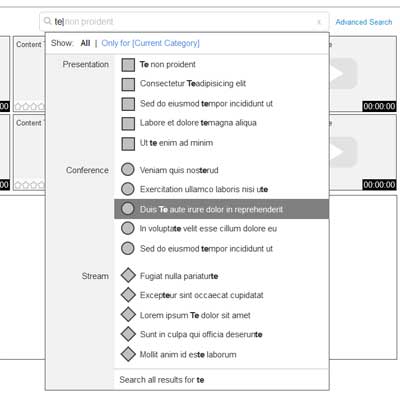
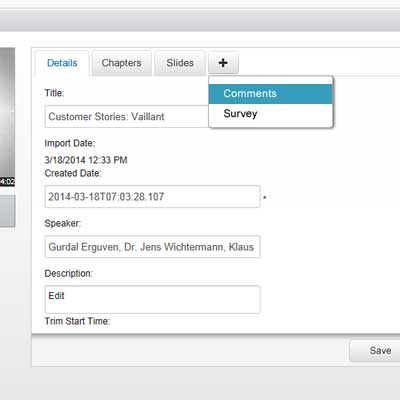
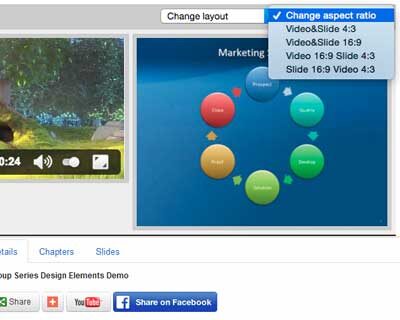
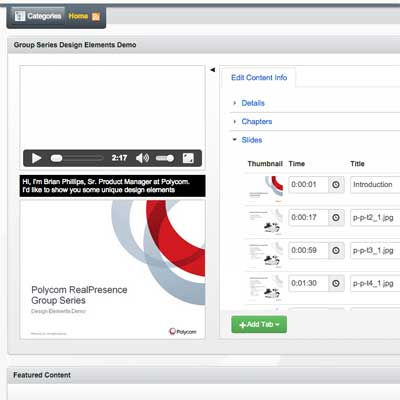
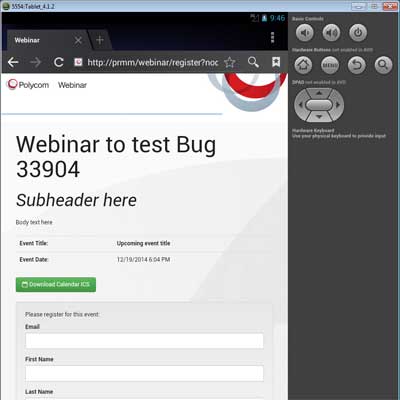
The design process included several key phases: analyzing user research results, developing information architecture, creating wireframes, building prototypes, and conducting testing.
Thorough evaluation of the competitor solutions provided valuable insights for our assessment of the current product. Based on these findings, we developed Personas, User Stories, and Scenarios, which were incorporated into User Flows.
During the design process, we refined the system’s information architecture and conducted iterative cycles of wireframe creation, prototyping, and testing. These steps were tailored for both mobile and desktop platforms, leveraging the research documentation as a foundation.
Results
The research phase allowed clients to see our company’s active interest in satisfying their needs, and it allowed the design and development teams to use a concrete plan to improve the experience of using the products.
The introduction of UX phases within the agile cycles increased team participation and improved the process of designing and implementing user-centered design methods.
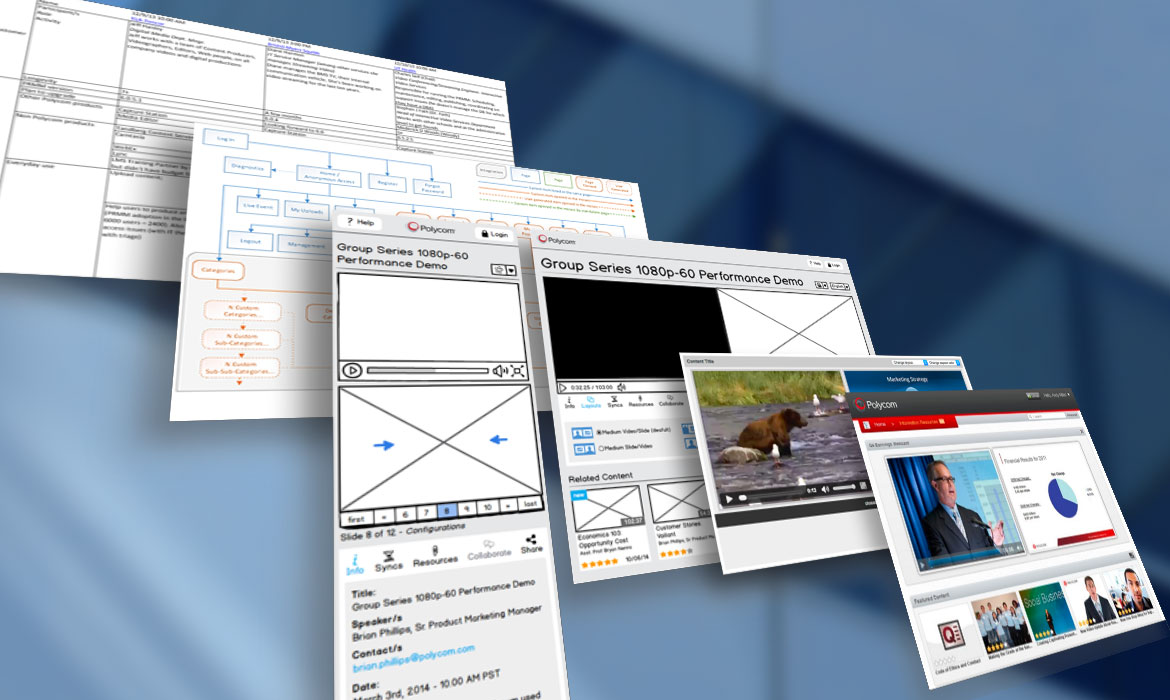
The documents generated during the design phase, which focused on the five key areas mentioned above, provided precise and useful directions for development of the new user experience intended for the new version of the Media Manager product.